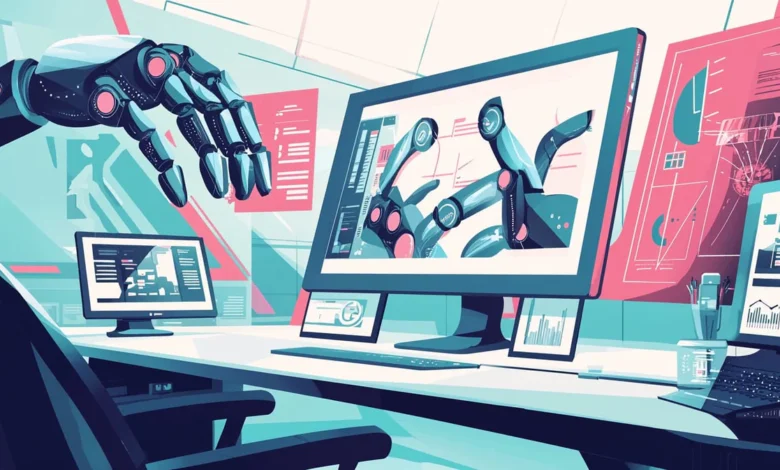
The question is not whether AI image generation belongs in professional design workflows — it is which tools actually fit without creating more friction than they remove.
Designers have specific requirements: output quality has to clear a professional bar, style needs to be controllable and consistent, licensing needs to hold up commercially, and the tool needs to integrate with existing software rather than forcing a completely separate pipeline.
How designers are actually using AI image generation
- Concept exploration: Generating multiple visual directions in the ideation phase before committing to a design approach.
- Client presentation mockups: Showing clients how a design direction could look across real-world applications without producing finished artwork for every option.
- Stock image replacement: Generating specific scenes or compositions that do not exist in stock libraries or that would require expensive custom photography.
- Texture and background generation: Creating unique textures and backgrounds used as elements within a larger design.
- Upscaling low-resolution assets: Bringing client-supplied low-resolution images up to usable resolution for print or large-format applications.
Best AI image tools for professional designers
Adobe Firefly — best for Adobe CC integration
For designers working in Photoshop and Illustrator, Firefly is the most seamless option because it lives inside the tools they already use. Generative Fill, Generative Expand, and text-to-image are available directly within Photoshop’s workflow. The copyright clarity from training on licensed content is also a genuine concern for commercial design work.
Midjourney v7 — best for aesthetic quality
When raw visual quality is the priority, Midjourney v7 produces results that clients and creative directors respond to. The outputs look considered and intentional in a way that generic AI outputs do not.
Magnific AI — best for resolution and quality enhancement
Any design workflow that involves taking AI-generated images to print or large-format output needs an upscaling step. Magnific AI enhances resolution up to 16x while reconstructing detail rather than simply interpolating, preserving design-critical elements like sharp edges and color accuracy.
For anyone still deciding on tooling, the AI image generator professionals rely on continues to evolve rapidly — it is worth reviewing the current options before committing to a subscription.
Integrating AI without disrupting existing workflows
- Keep AI in the ideation phase initially: Use it to generate visual directions and references, not finished deliverables.
- Treat AI output as raw material: Plan to refine and composite AI-generated images in Photoshop rather than using them directly.
- Establish quality standards: Decide what level of AI output quality is acceptable for different purposes.
- Document your prompt library: When a prompt produces output that aligns with your design aesthetic, save it.
FAQs
Should designers disclose AI use to clients?
Transparency is generally the right approach. Many clients have strong feelings about AI use, and discovering it after the fact creates more problems than disclosing it upfront.
Can AI-generated images be used in trademark and brand identity work?
In the US, the Copyright Office’s position makes trademarking purely AI-generated brand elements difficult. For brand identity work involving AI, consult with IP counsel before finalizing.
Which AI tool is closest to a professional illustration style?
Midjourney v7 for most illustration styles. For specific illustration aesthetics, Stable Diffusion with a custom LoRA produces the most consistent and controllable results.